Map Viewer
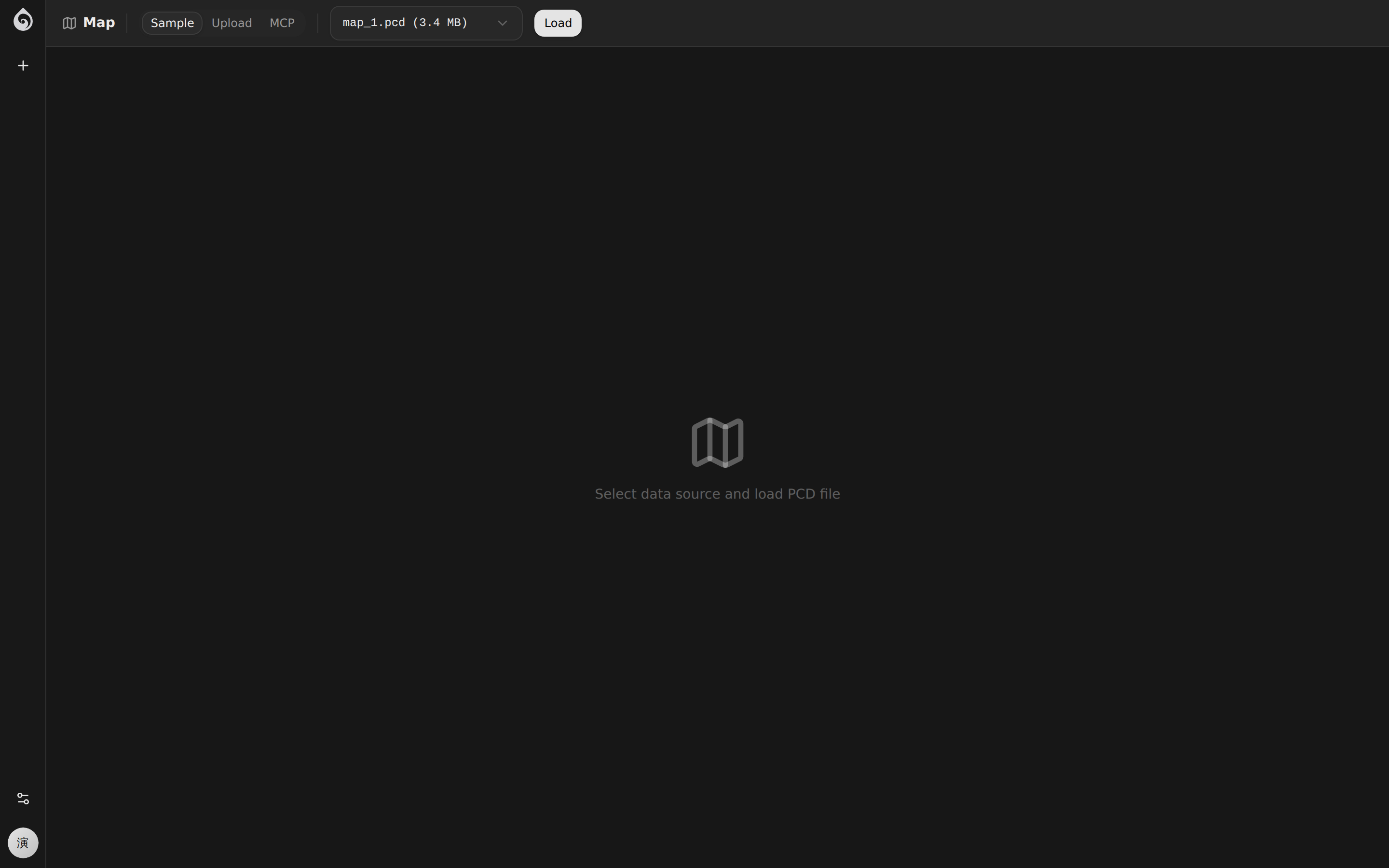
The Map Viewer in the Lab provides an isolated visualization environment for viewing and debugging robot mapping data.
Features
Map Rendering
Supports visualization of multiple map data formats:
- 2D Occupancy Grid: Standard ROS map_server format
- 3D Point Cloud: PCD format point cloud maps
- Hybrid View: Overlaid display of 2D and 3D data
Interactive Controls
| Action | Result |
|---|---|
| Left drag | Rotate view |
| Right drag | Pan view |
| Wheel | Zoom |
| Double click | Reset view |
Toolbar
The top toolbar of the Map Viewer provides:
- Scene Selection: Select the scene map to view from the dropdown menu
- Layer Toggle: Show/hide routes, zones, and other layers
- View Presets: Top-down, side view, 3D free view
Use Cases
- Verify Mapping Quality: Check if the SLAM mapping results are complete
- Debug Navigation Routes: Visualize the distribution of routes on the map
- Check Zone Settings: Validate boundaries for restricted zones, charging zones, etc.
Access
Access via Lab -> Map in the top navigation bar. The Map Viewer will automatically load the previously selected scene upon entry.