Robot Models
Robot models define hardware capabilities and are a necessary prerequisite for registering new robots. Platform administrators maintain all available robot models on this page.
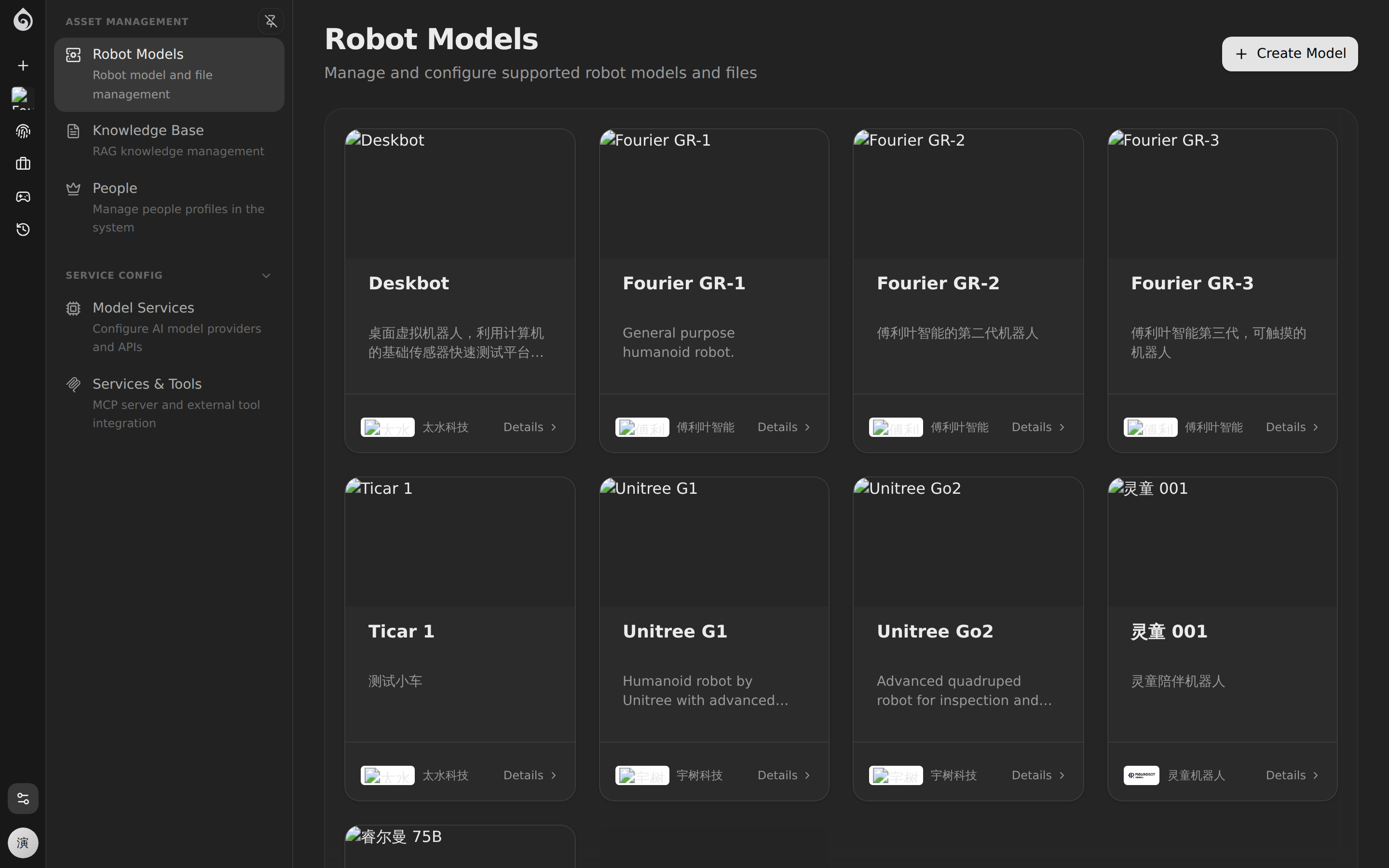
Model List
The Model Management page displays all registered robot models, each model card contains:
- Model name and cover image
- URDF model (if uploaded)
- Number of robots registered using the model
Create a Model
Basic Information
| Field | Purpose |
|---|---|
| Name | Human-readable model name, e.g., “Patrol Dog Pro” |
| Description | Operational summary and capabilities |
| Manufacturer | Hardware vendor information |
URDF Model
URDF (Unified Robot Description Format) files are used for 3D visualization. How to upload:
- Package the URDF file and related resources (like mesh files) into a
.ziparchive. - Upload it to the model management page of the specific model.
- The system will automatically parse and preview it in the 3D viewer.
Upload Requirements
When uploading a robot model, ensure the ZIP file follows these rules:
- File Format: Must be a
.ziparchive. - Structure:
- The
.urdffile must be located either at the root of the ZIP or inside a single top-level directory. - Mesh files (referenced in the URDF) must be included within the ZIP.
- The
- Path References:
- All mesh references in the URDF (e.g.,
<mesh filename="package://...">or relative paths) must resolve correctly relative to the URDF file location within the ZIP. - Avoid absolute paths.
- All mesh references in the URDF (e.g.,
Example valid structure:
my-robot.zip├── robot.urdf├── meshes/│ ├── base_link.stl│ └── wheel.daeModel Diagnostics
After uploading, you can use the Diagnostics feature to check the integrity of the URDF file:
- Detect missing mesh references
- Verify joint link structures
- Preview model rendering results
Use Cases
- Development Phase: Upload URDF to verify the model appearance in the 3D viewer.
- Deployment Phase: Select the corresponding model when registering new robots.
- Operations Phase: Manage fleets of robots of the same type grouped by model.