Robot MCP
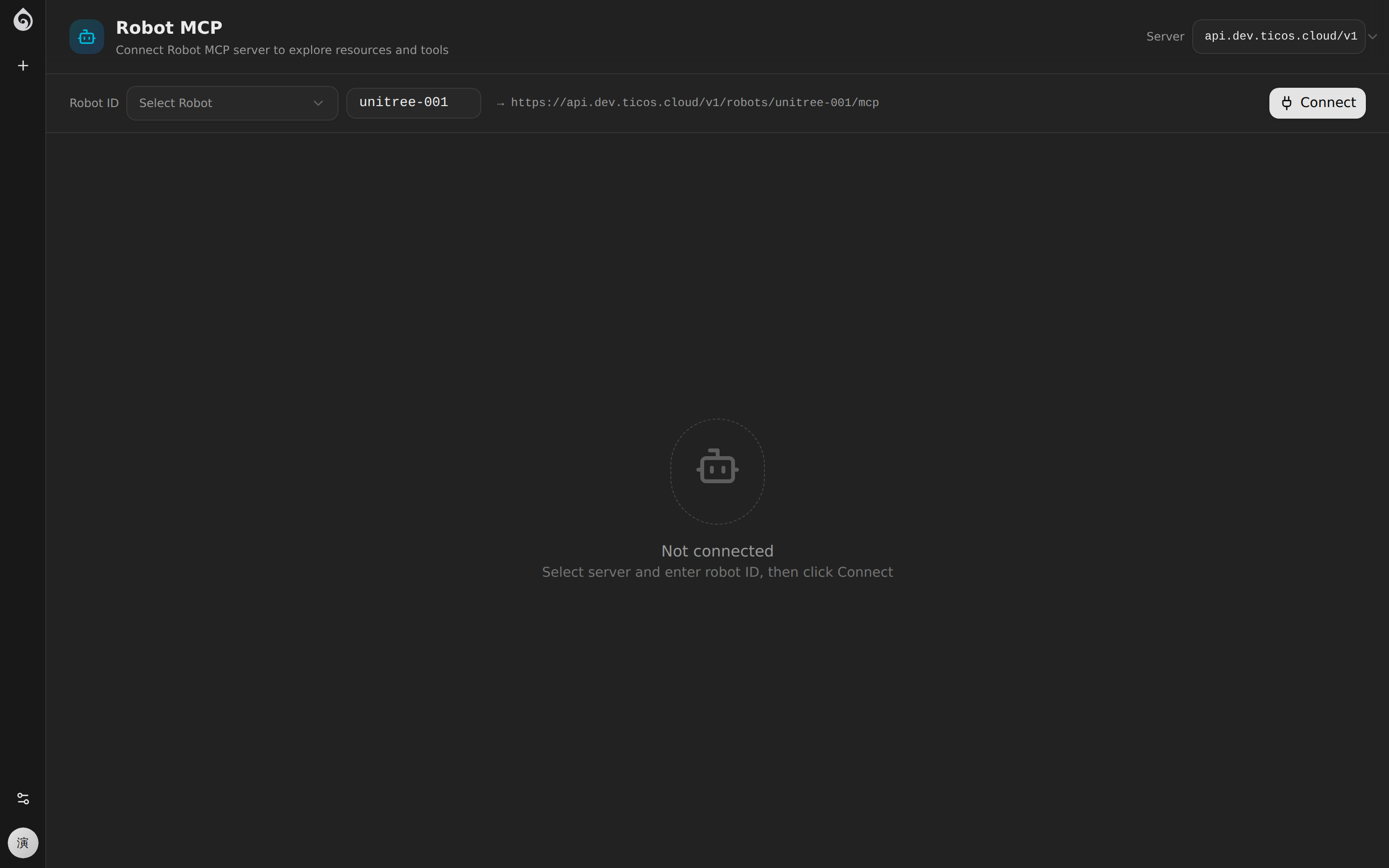
The Robot MCP tool allows developers to interact directly with the MCP service on the robot side via the Model Context Protocol for diagnosing and debugging robot tool capabilities.
Features
Tool Discovery
After connecting to the robot’s MCP service, it automatically discovers all available tools:
- Tool Name and description
- Input Parameters JSON Schema
- Output Format explanation
Tool Invocation
After selecting a tool, you can directly in the interface:
- Fill in the invocation parameters
- Execute the call
- View the returned results
Diagnostic Checks
Automatically check the health of the robot’s MCP service:
- Connection status
- Number of registered tools
- Response latency
Use Cases
- Verify Tool Registration: Confirm whether the MCP tools on the robot side are correctly registered.
- Test Hardware Interfaces: Directly call hardware tools such as chassis control and robotic arms.
- Debug Response Formats: Check if the data format returned by the tool meets expectations.
Access
Access via User Menu -> Lab -> Robot MCP. You need to specify the robot’s MCP service address.