Real-time Debugger
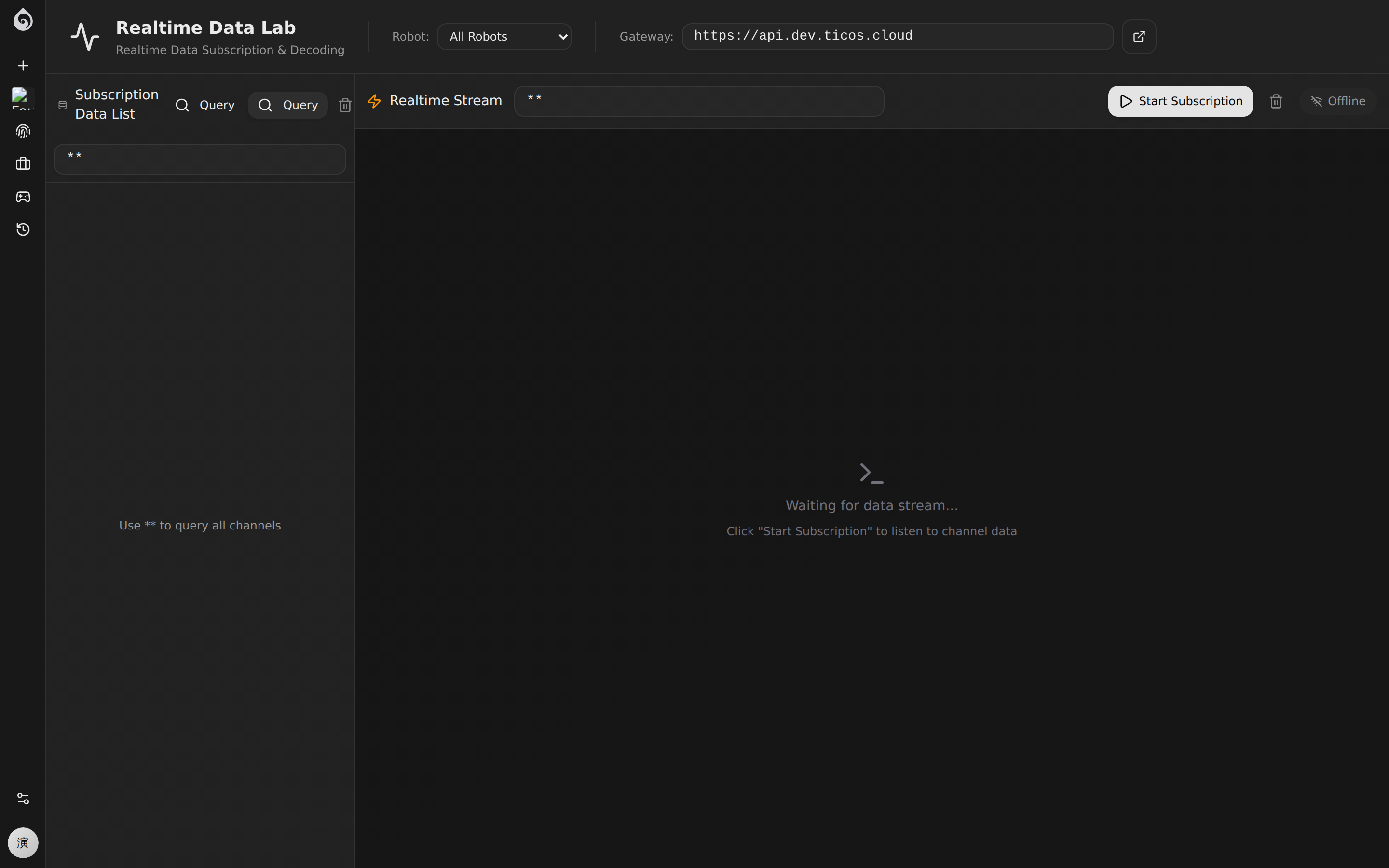
The real-time debugger provides an interactive REST client to inspect and subscribe to live robot telemetry and sensor data.
Messaging Protocol
Ticos uses an efficient pub/sub model for robot communication. Robots publish sensor data and telemetry, which can be subscribed to via the REST API for real-time visualization and debugging.
Topic Pattern
Ticos follows a standardized topic naming convention:
{robot-identifier}/rt/{component}/{sensor}/{data-type}Common Examples
| Topic | Description |
|---|---|
robot-001/rt/unilidar/cloud | LiDAR point cloud data |
robot-001/rt/unilidar/imu | IMU inertial data |
robot-001/rt/realsense/D435_1/depth/image_rect_raw | Depth camera stream |
robot-001/rt/motor/encoders | Motor encoder feedback |
robot-001/rt/motor/twist | Chassis velocity commands |
robot-001/rt/arm/servo_states | Robotic arm joint states |
{identifier}/status/ticos-agent/health | Agent health telemetry |
Workflow
In the Lab → Real-time Debug page:
- Enter the REST API endpoint
- Search or filter for specific topic keys
- Inspect returned payloads and data freshness
Debug Tips
- Verify Connection: If UI widgets show “Disconnected”, use this tool to confirm if the messaging topics are actually receiving data.
- Data Schema: Most sensor data uses CDR encoding; the interface shows raw base64 data which is then parsed by visualization widgets.
- Discovery: Use wildcards like
*to query and discover all available topics on a specific robot.